Google Tasks Guides
Short, practical guides for getting more out of Google Tasks on desktop, on Mac and iPhone, and in your day-to-day workflow.
7 min read
How to Add Google Tasks to Your Desktop
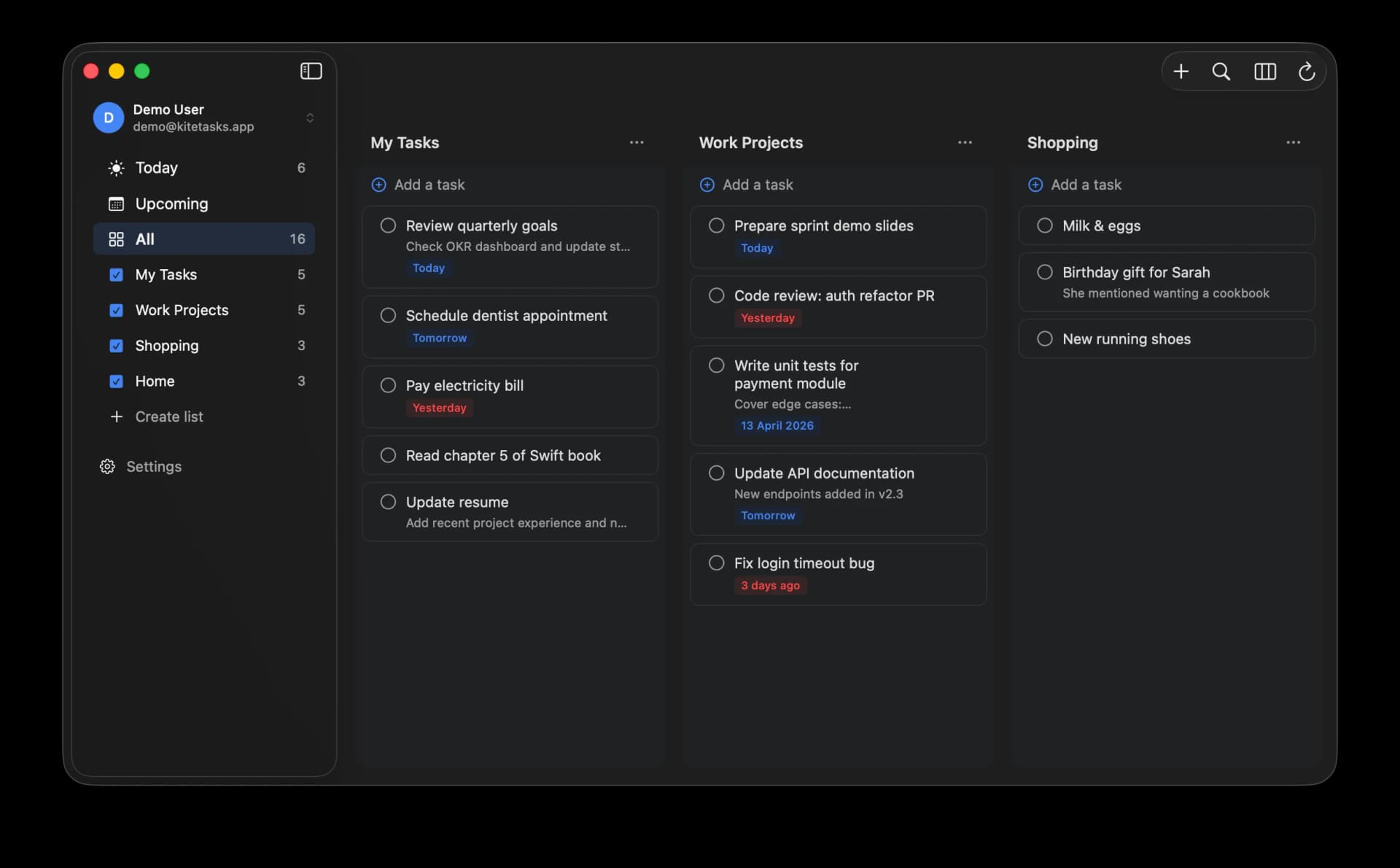
Google does not make an official Google Tasks desktop app, but you can still add Google Tasks to your desktop. The two realistic ways are: install tasks.google.com as a Progressive Web App so it runs in its own window on Windows, macOS, Linux, or ChromeOS, or use a dedicated native app like KiteTasks on Mac. Each option works differently and comes with different limits.
Read the guide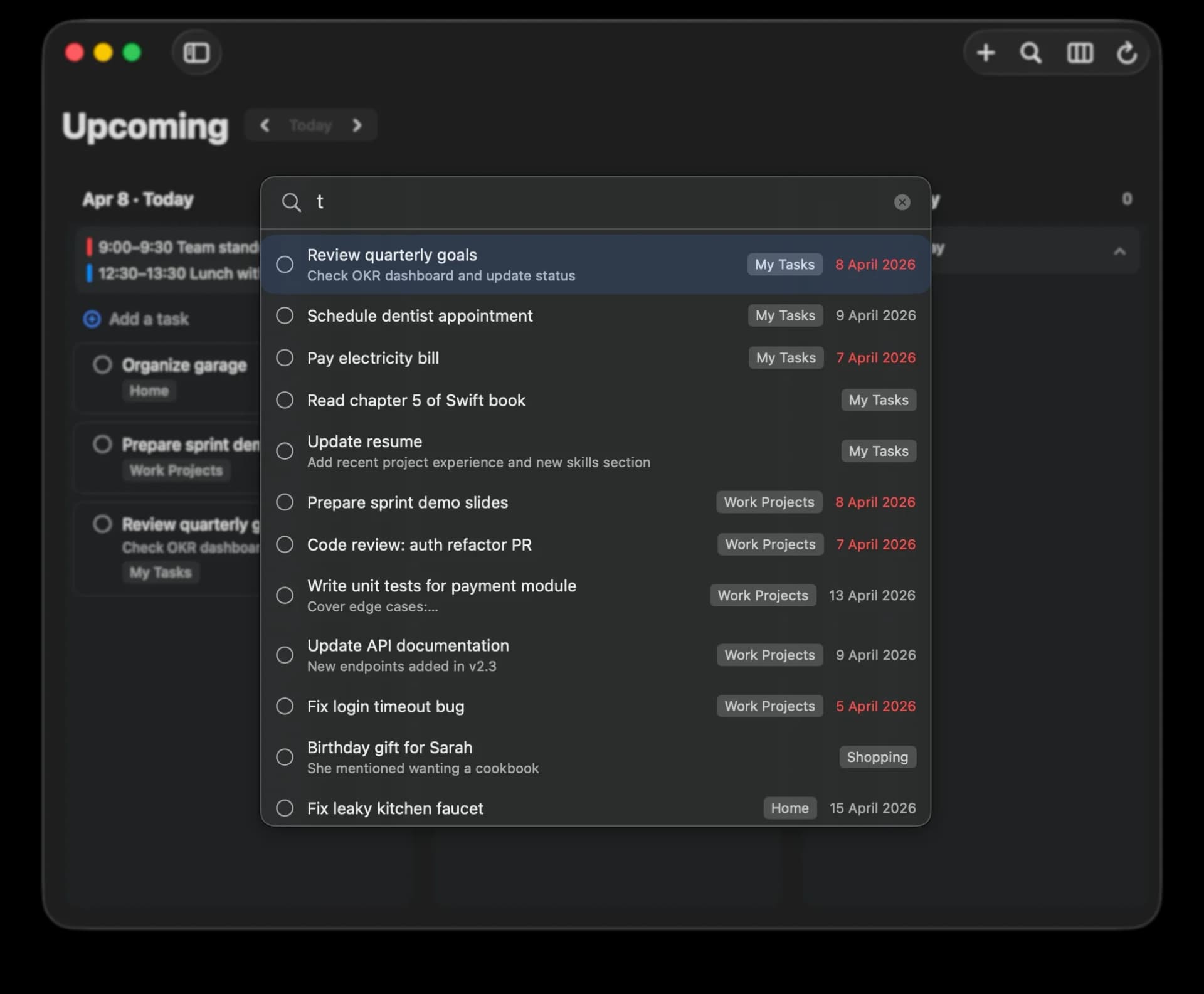
4 min read
How to Search Google Tasks
Google Tasks does not include a built-in search feature. The fastest way to search your Google Tasks is to open the full-window web app at tasks.google.com, switch to the All tasks view, and use your browser's find shortcut (Cmd+F on Mac, Ctrl+F on Windows) to jump to any task across every list. Searching completed tasks takes one extra step, which we cover below.
Read the guide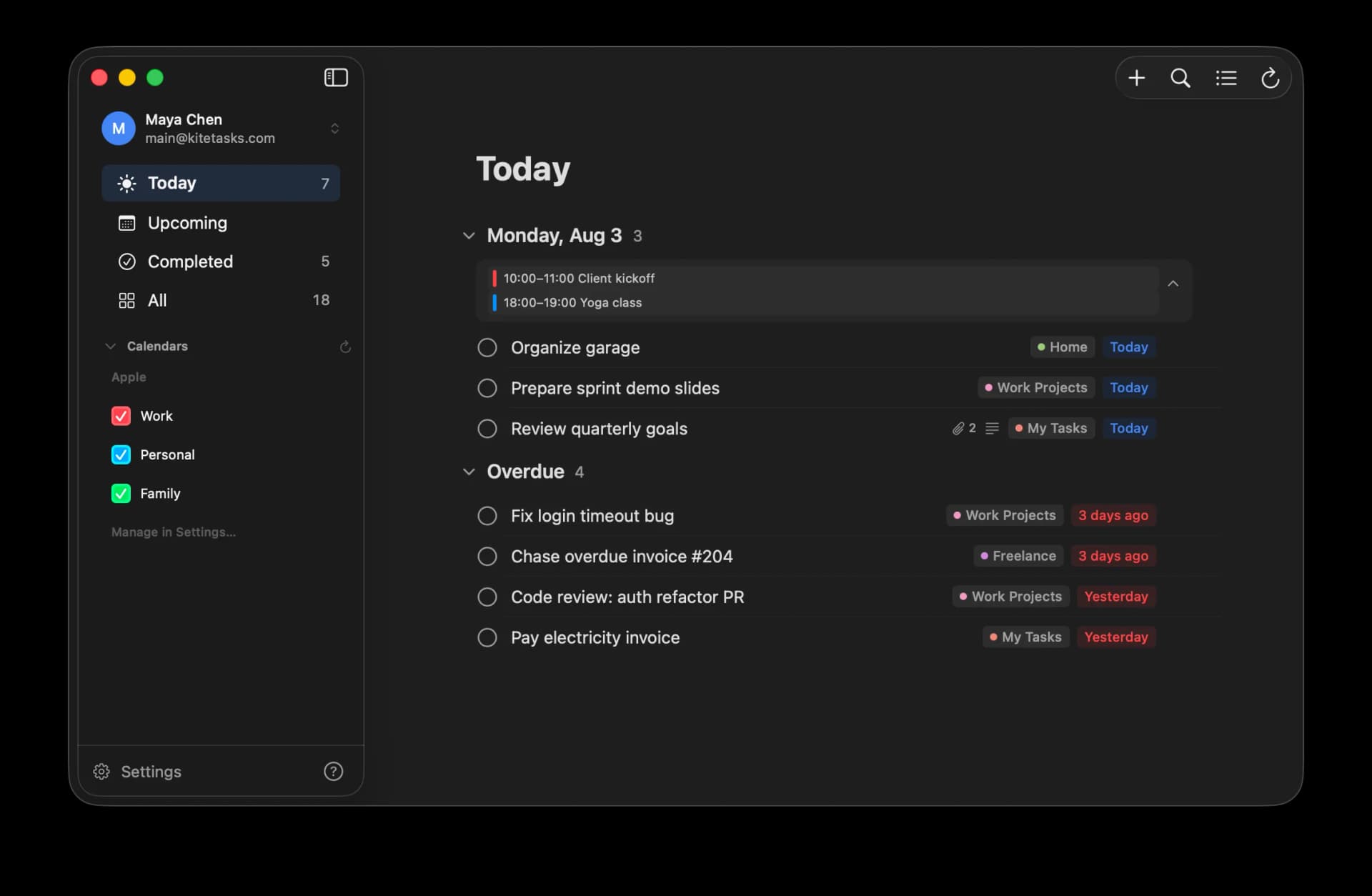
4 min read
How to Use Google Tasks on a Mac
Google does not make a Mac app for Google Tasks, and Apple Reminders cannot sync with it either. On a Mac you have three realistic options: add tasks.google.com to your Dock as a web app using Safari or Chrome, keep tasks in the side panel inside Gmail and Google Calendar, or use a dedicated native Mac app like KiteTasks. Here is how each option works and where each one falls short.
Read the guide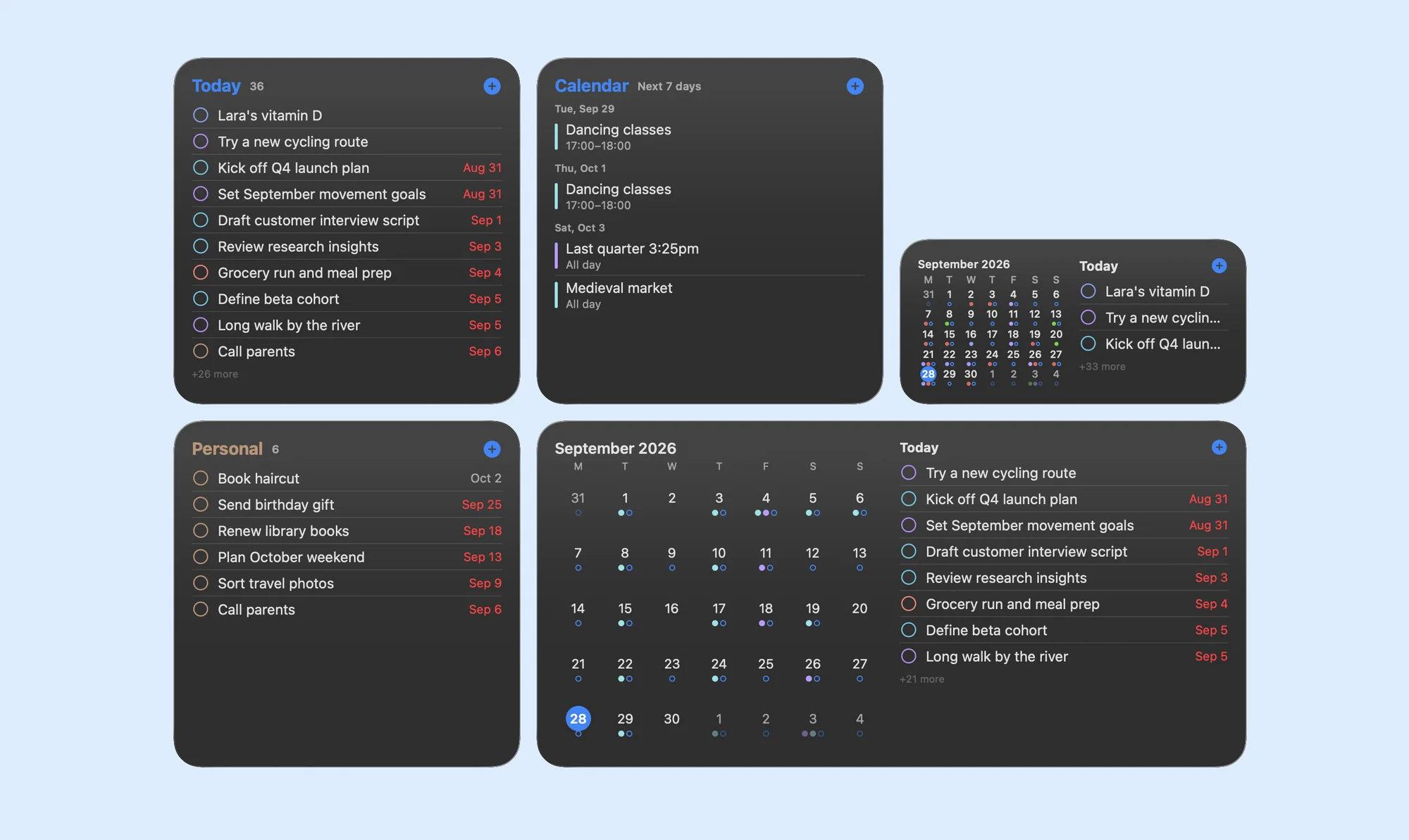
6 min read
How to Get a Google Tasks Widget on Your Mac
There is no official Google Tasks widget for macOS. The Google Tasks widget exists only inside Google's Android and iPhone apps, and Google ships no Mac app, so nothing from Google appears in the macOS widget gallery. The closest official stand-in is a small tasks.google.com window kept in a corner of your screen. For a real widget, a native Mac app like KiteTasks adds Today, List, Calendar and Month widgets to your desktop and Notification Center, and lets you check tasks off without opening the app.
Read the guide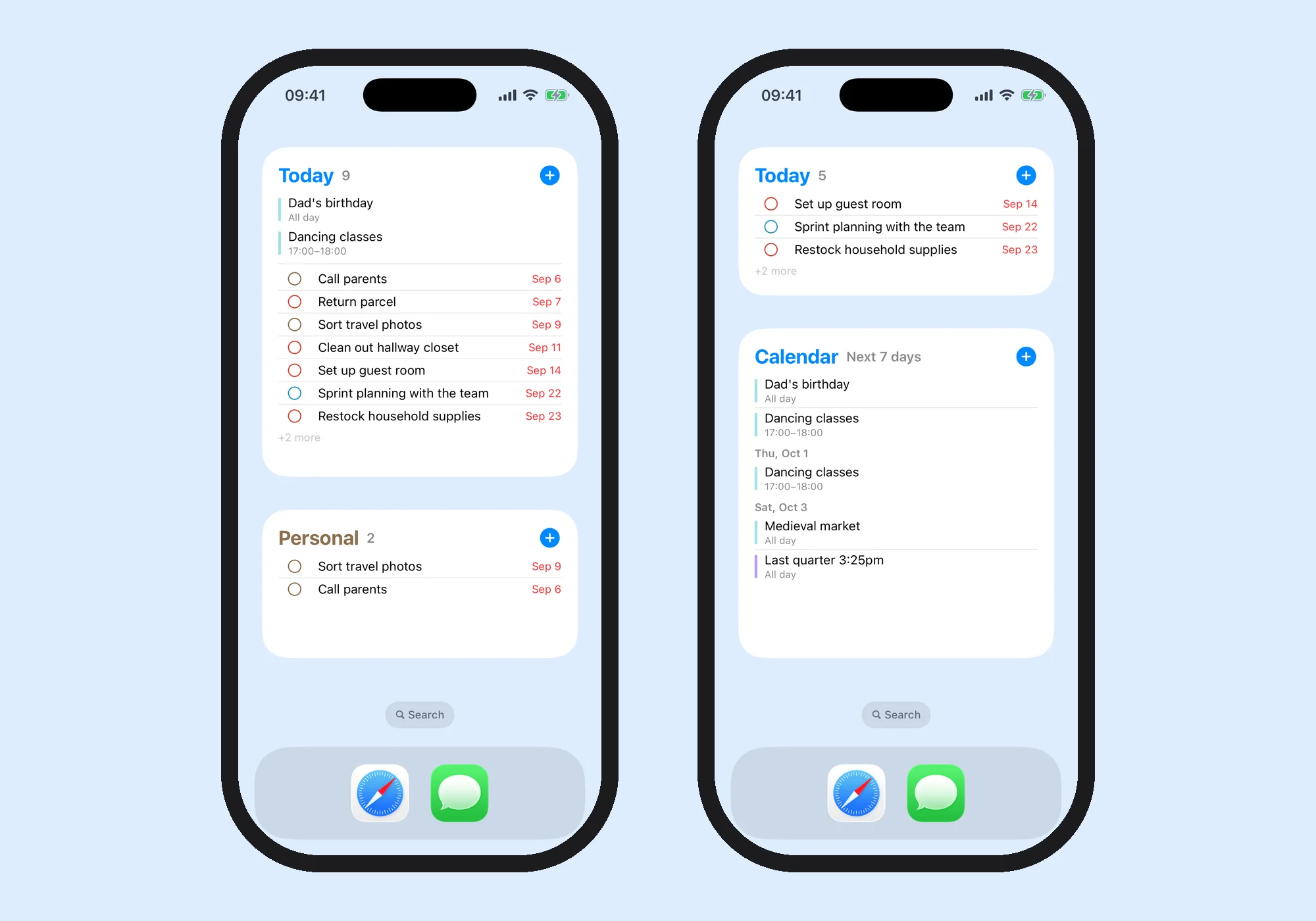
6 min read
How to Add a Google Tasks Widget on iPhone
Google's Tasks app for iPhone includes a Home Screen widget: touch and hold the Home Screen, tap Add, choose Tasks, pick a size, and tap Add Widget. Google's documentation covers adding, resizing and removing it, and nothing more, so do not expect to complete or add a task from the widget itself. For widgets that do more, KiteTasks for iPhone, now in open beta, adds Today, List and Calendar widgets where you check tasks off in place, plus a Quick Add button in Control Center.
Read the guide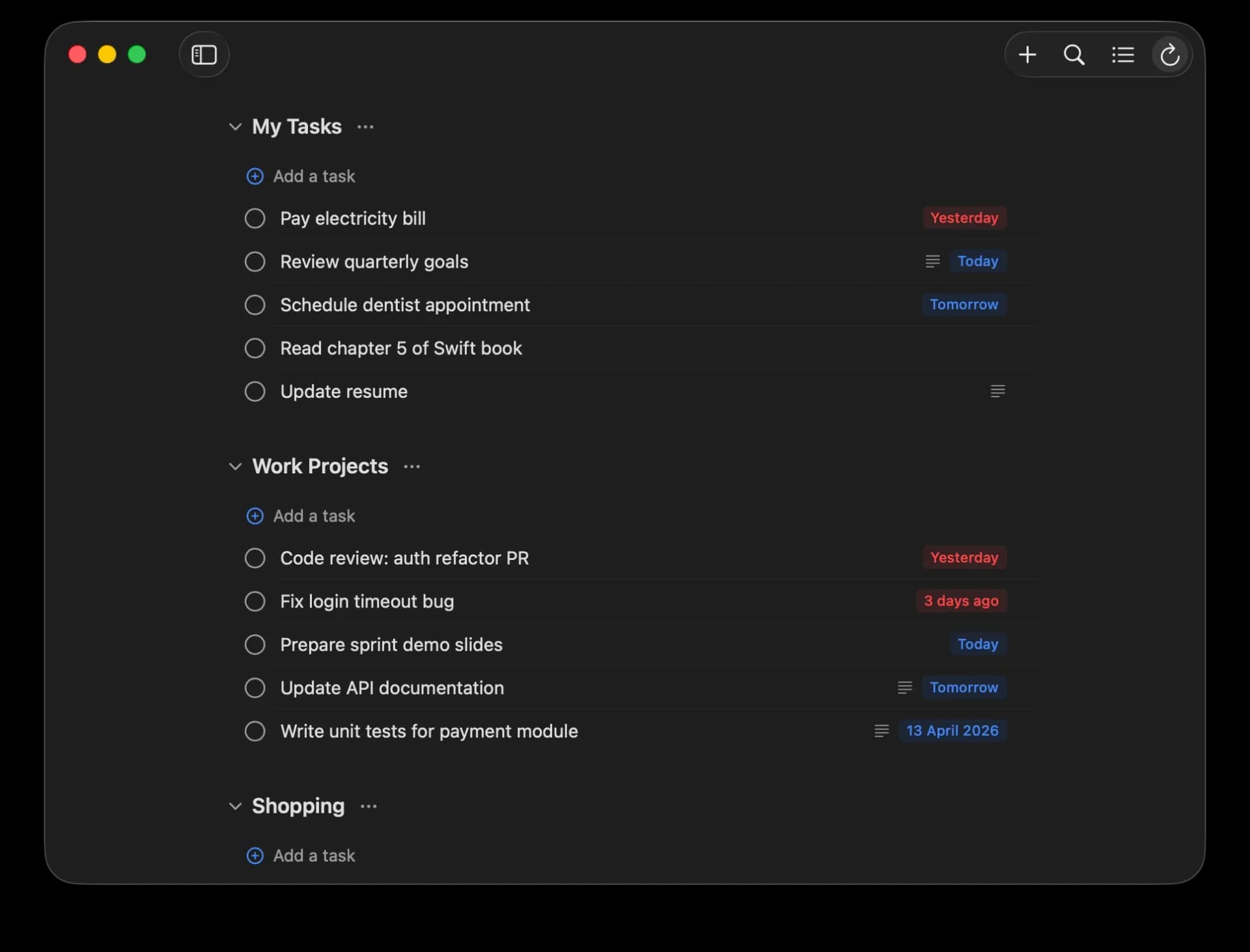
4 min read
Google Tasks Keyboard Shortcuts: The Complete List
Google Tasks does have keyboard shortcuts, but only on the web, and only while the Tasks tab or side panel has keyboard focus. Press Cmd+/ on Mac or Ctrl+/ on Windows inside Google Tasks to see the official list at any time. The shortcuts cover creating, completing, indenting, starring, and reordering tasks. What they do not cover: anything system-wide, and search, because Google Tasks has no search to bind a key to. Here is the full list, plus the shortcuts a native Mac app can add on top.
Read the guide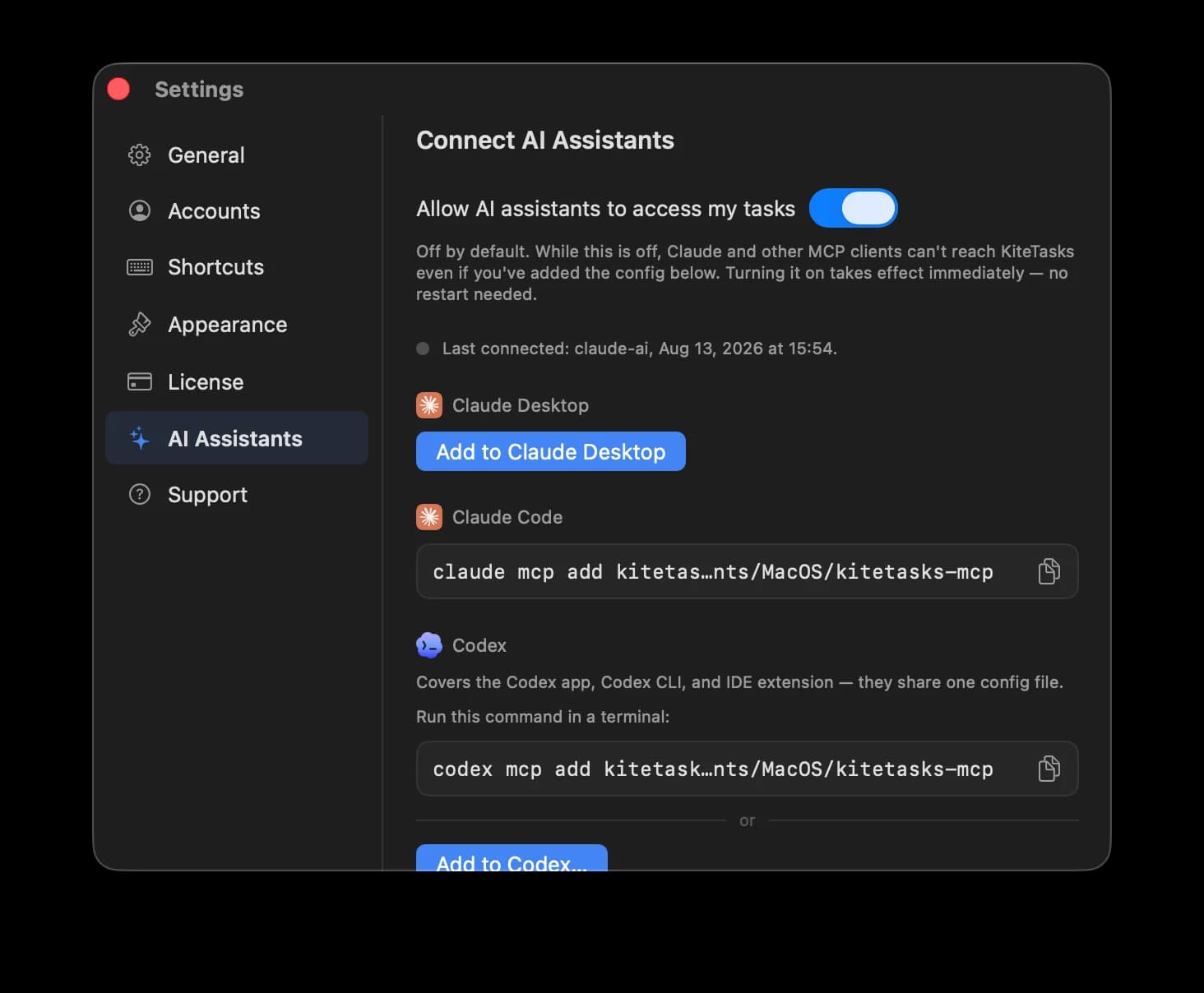
7 min read
How to Connect Google Tasks to Claude (MCP)
You can connect Google Tasks to Claude, but not through anything Google ships: Google's official MCP servers cover Gmail, Drive, Docs, Sheets, Slides, Calendar, Chat, and Contacts — Google Tasks is not one of them. That leaves two realistic options: run an open-source Google Tasks MCP server, which means creating a Google Cloud project and your own OAuth credentials, or use KiteTasks, a native Mac app with a built-in local MCP server that connects to Claude Desktop in one click. Here is how both work.
Read the guide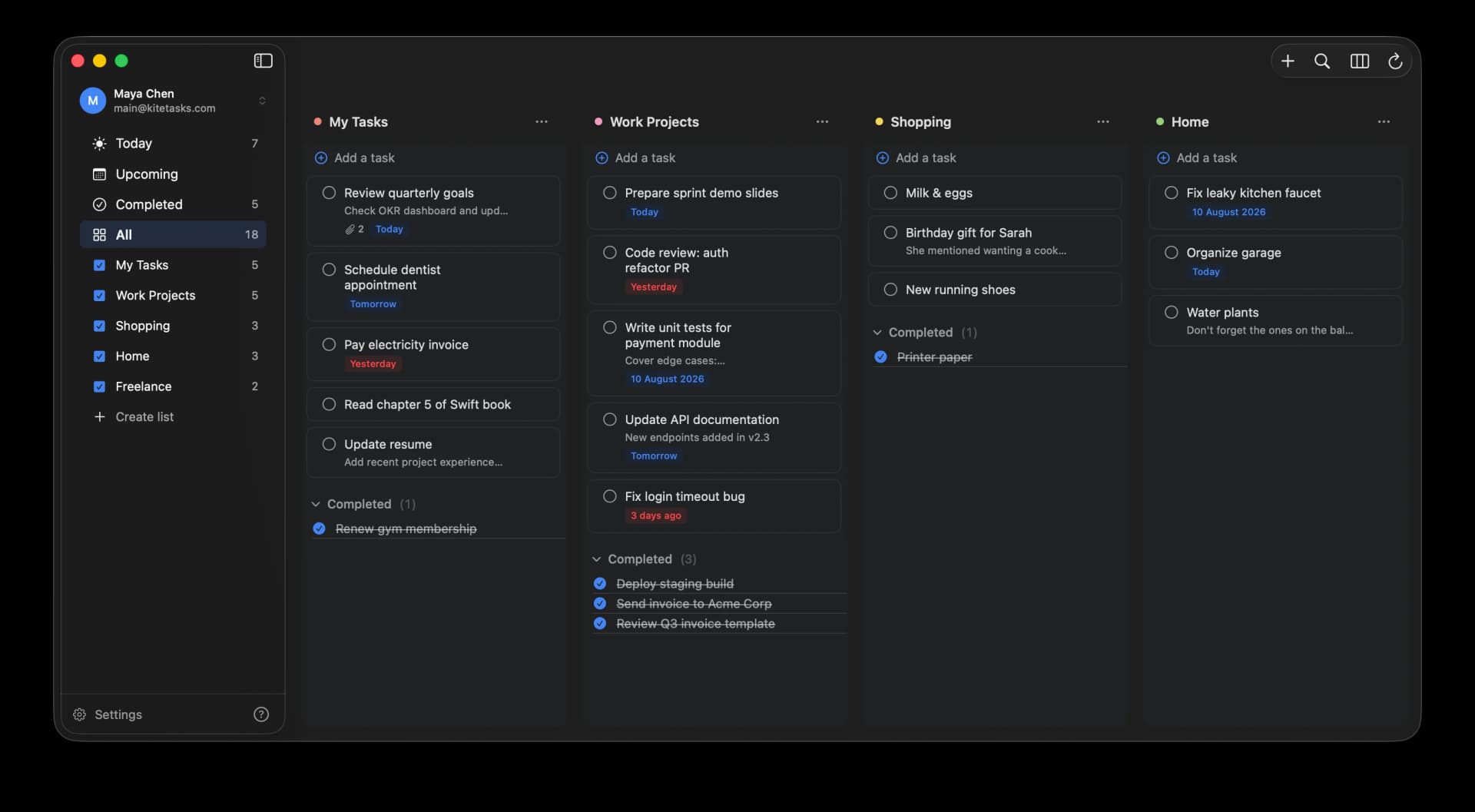
6 min read
How to Connect Google Tasks to ChatGPT and Codex (MCP)
You can connect ChatGPT to Google Tasks on a Mac — through Codex, which is built into the unified ChatGPT desktop app. The distinction that matters: ChatGPT's chat connectors only accept remote MCP servers, so nothing running on your own machine can connect there, and the hosted-connector workaround puts a cloud middleman between your assistant and your Google account. But the desktop app's Codex side fully supports local MCP servers, and KiteTasks connects it to Google Tasks in one click, with everything staying on your Mac.
Read the guide10 min read
Google Tasks MCP Server: Every Way to Connect AI to Google Tasks
There is no official Google Tasks MCP server: Google's Workspace MCP servers cover eight products, and Tasks is not one of them. Every Google Tasks MCP server you can actually use is third-party, and they come in three shapes — open-source servers you run yourself with your own Google Cloud OAuth credentials, hosted platforms that run the server in their cloud and hold the grant to your Google account, and KiteTasks, a native Mac app with a local MCP server built in that reuses the sign-in you already made. This guide compares all three, lists what each exposes, and covers which AI clients can connect.
Read the guideSharing
Google Tasks has no option to share a list. Our guide covers how to share Google Tasks today, with assigned tasks in Chat and Docs and a shared Keep list, and the shared lists KiteTasks is building.
How to share Google Tasks