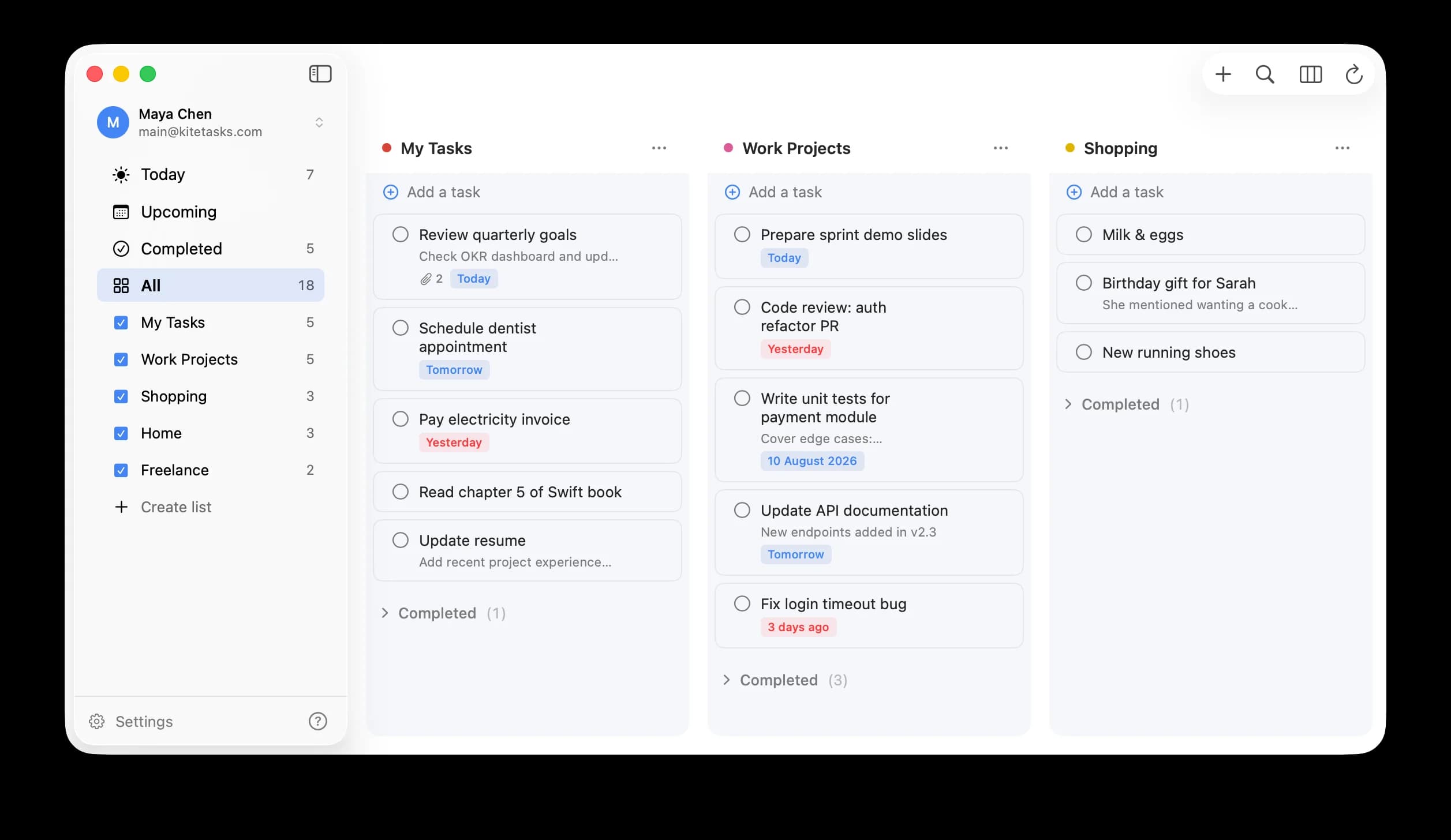
Google Tasks for Mac, done right.
The native macOS desktop app for Google Tasks. Search, Today view, natural language input — and it's a one-time purchase.
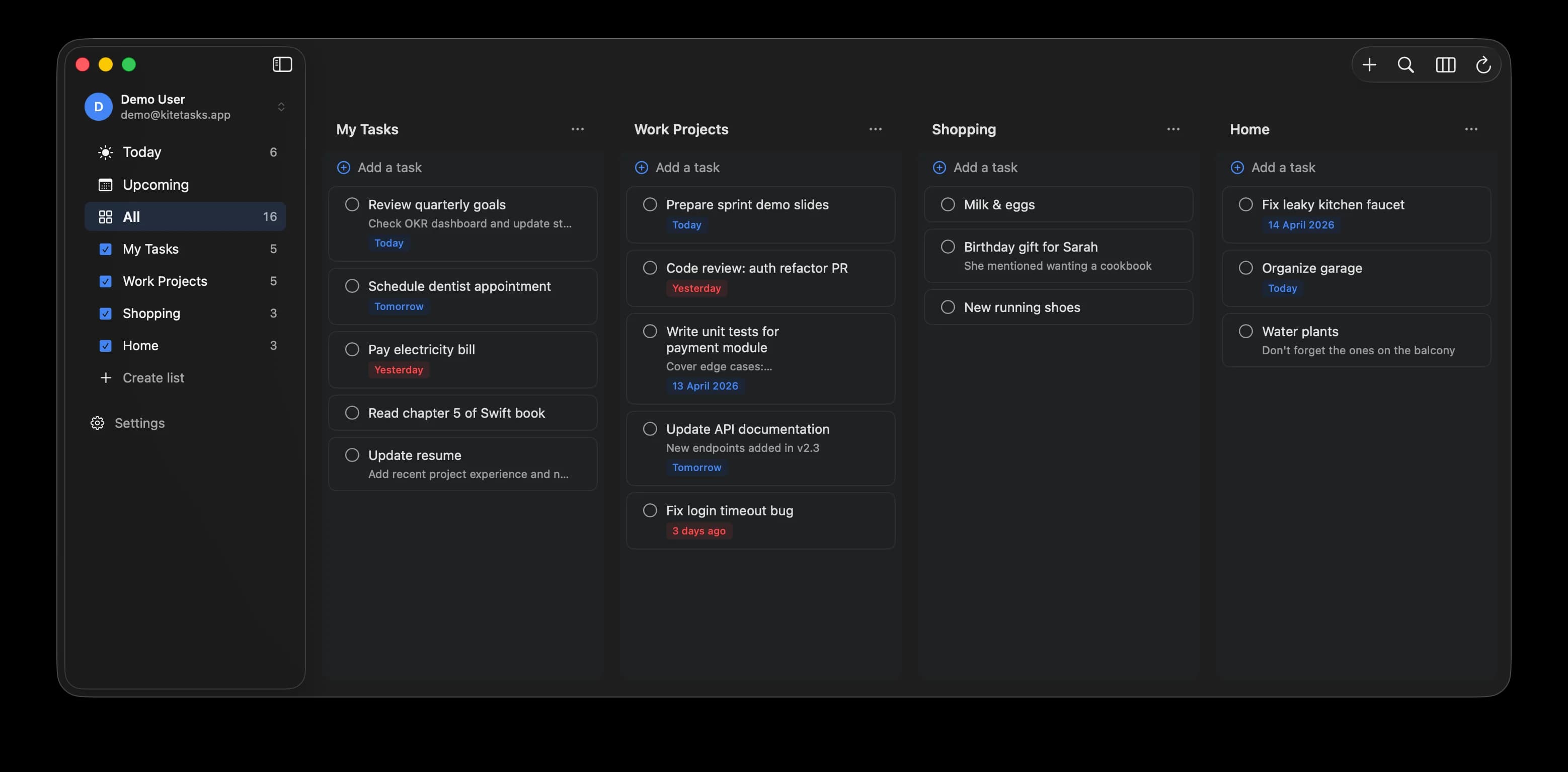
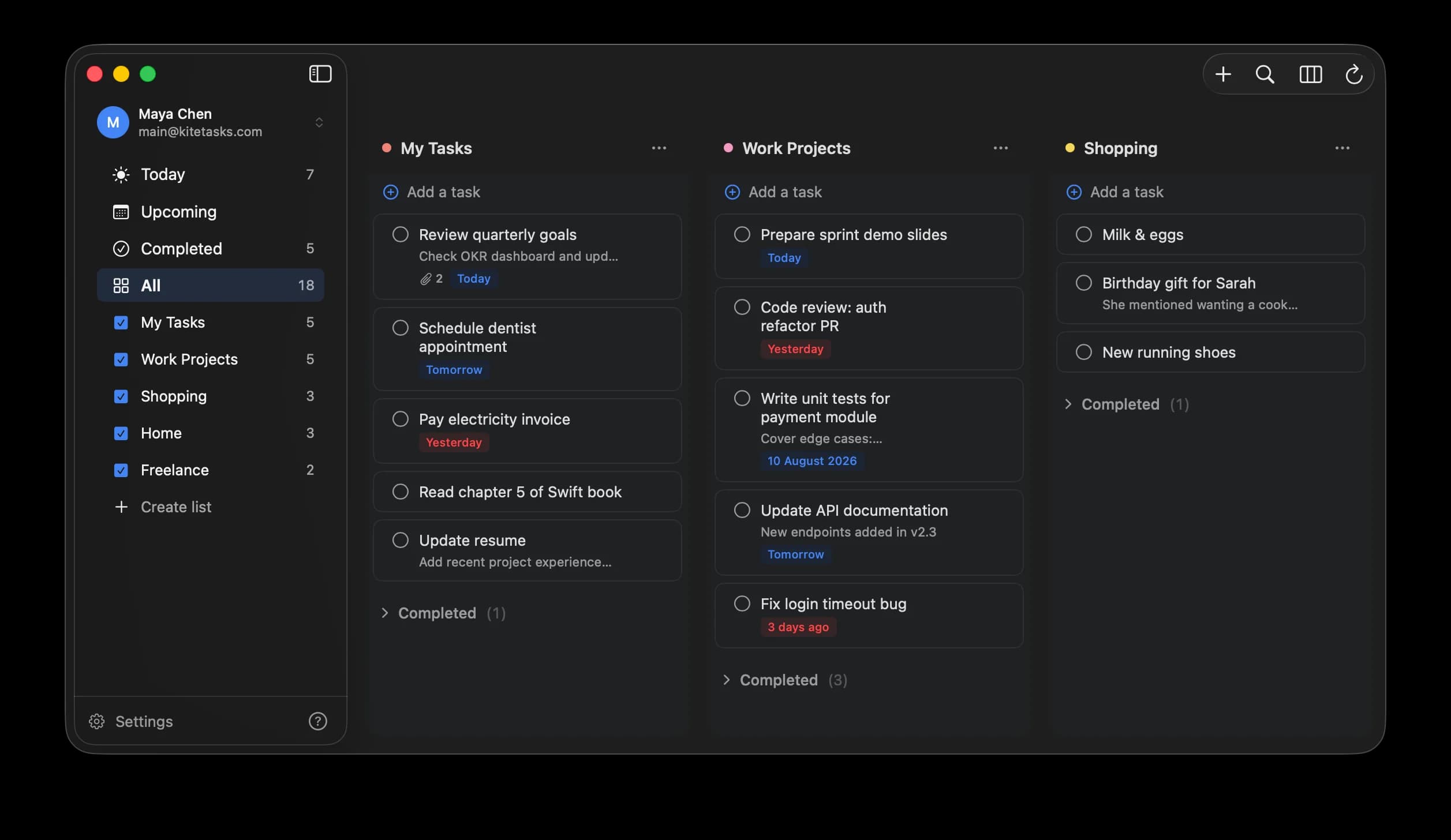
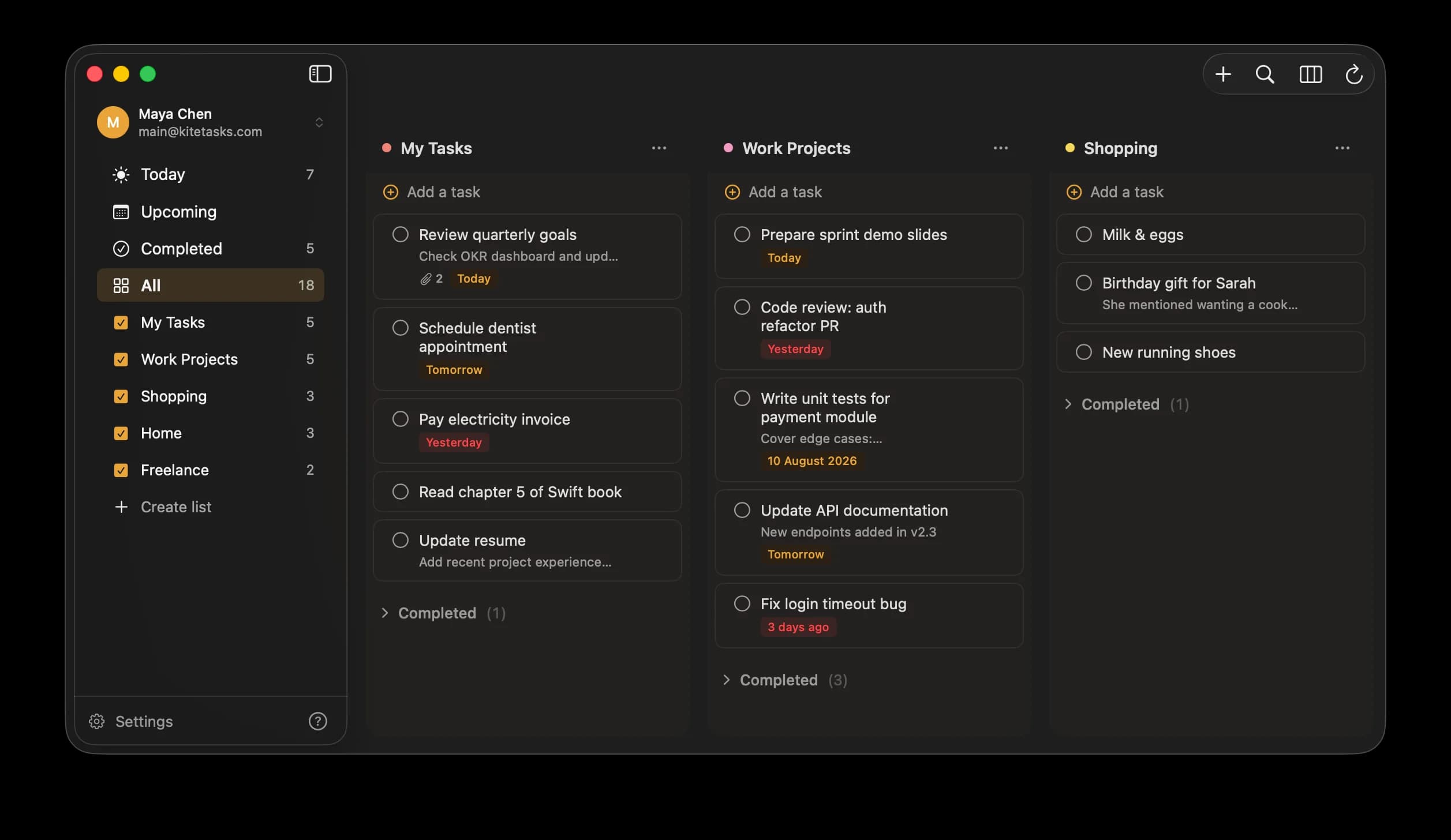
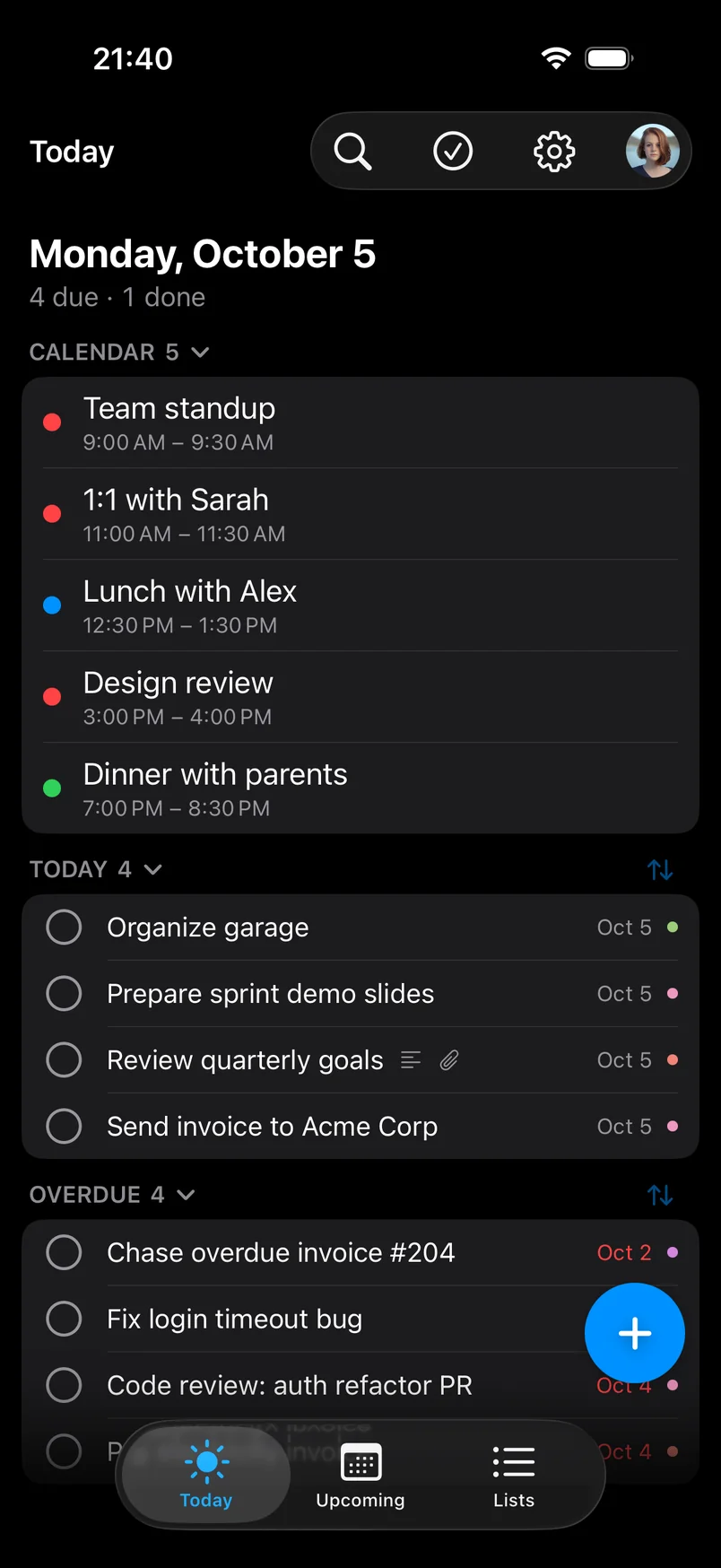
App screenshot
Google Tasks has no Mac app. No desktop search. No Today view. You deserve better.
The features Google Tasks should have
Built for your Mac
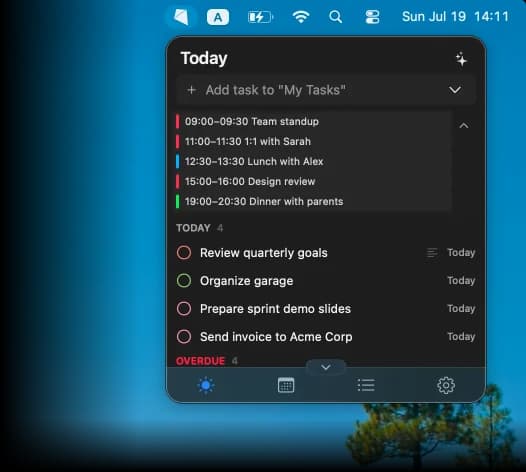
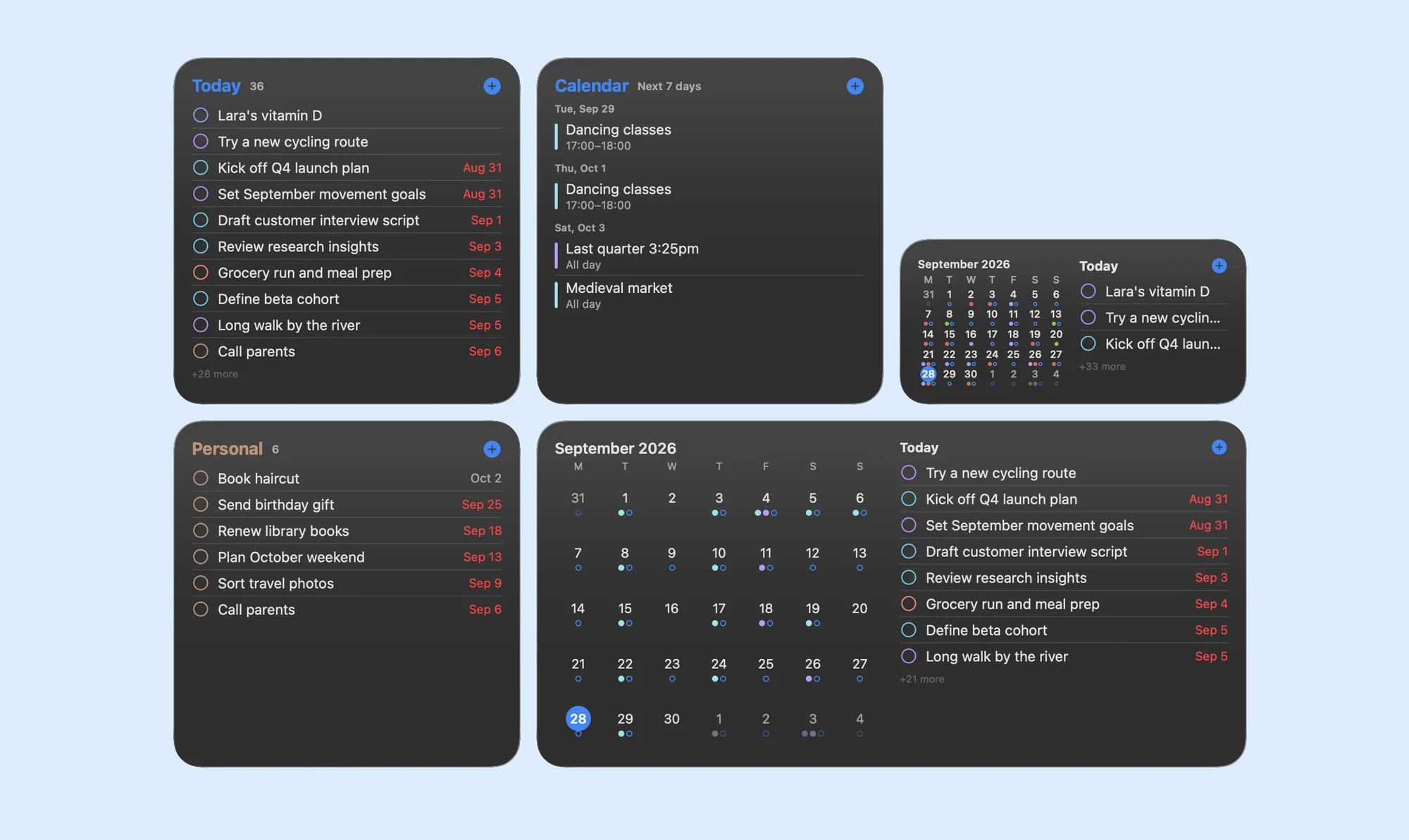
A true native macOS app. Keyboard shortcuts, menu bar integration, notifications — it all just works.
Quick Capture
Press your global shortcut from any app and add a task in seconds — without switching windows.
Add tasks in plain English
Type naturally. "Call Mom tomorrow at 3pm" creates a task with the right date and time.
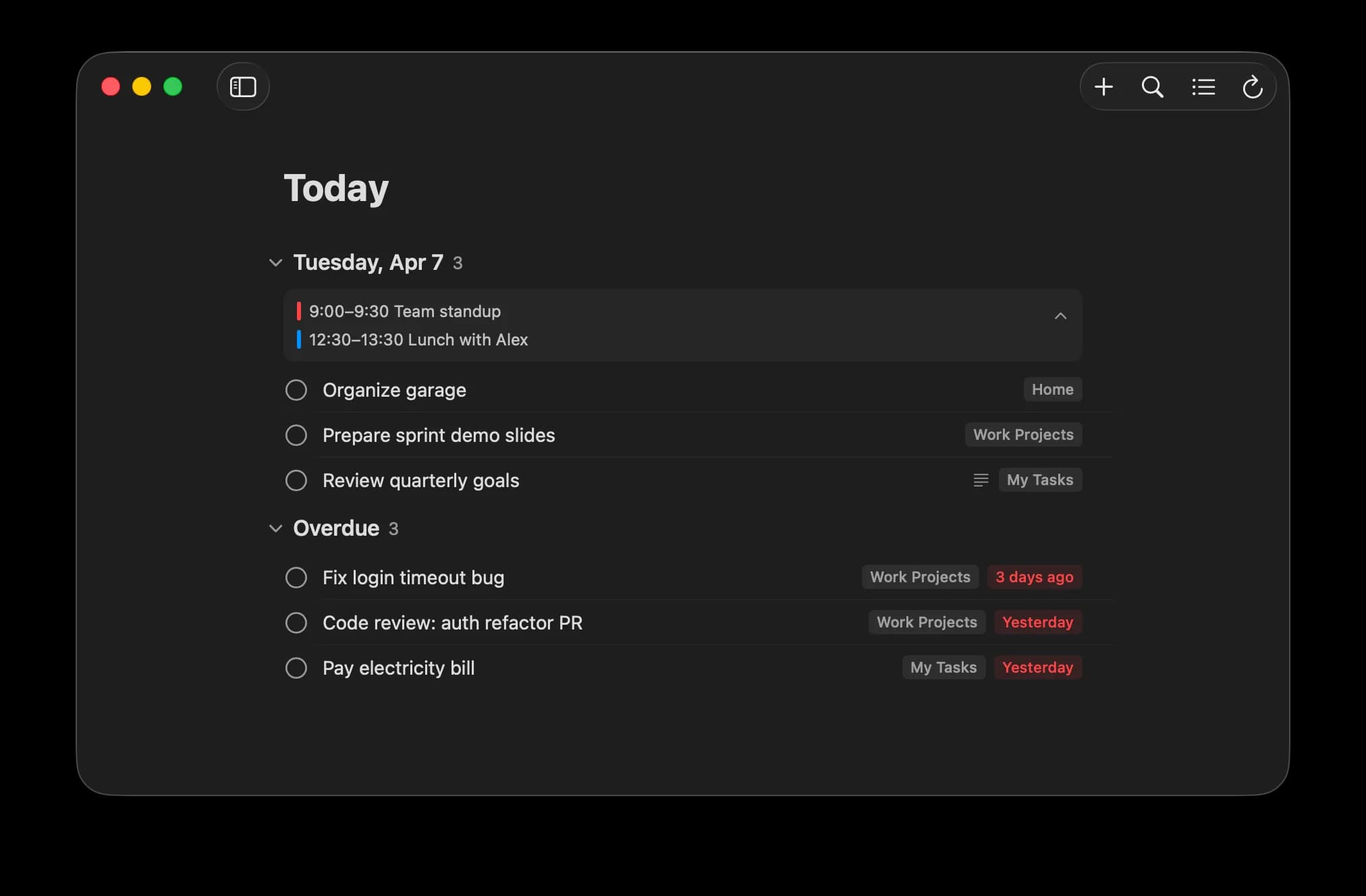
Today View
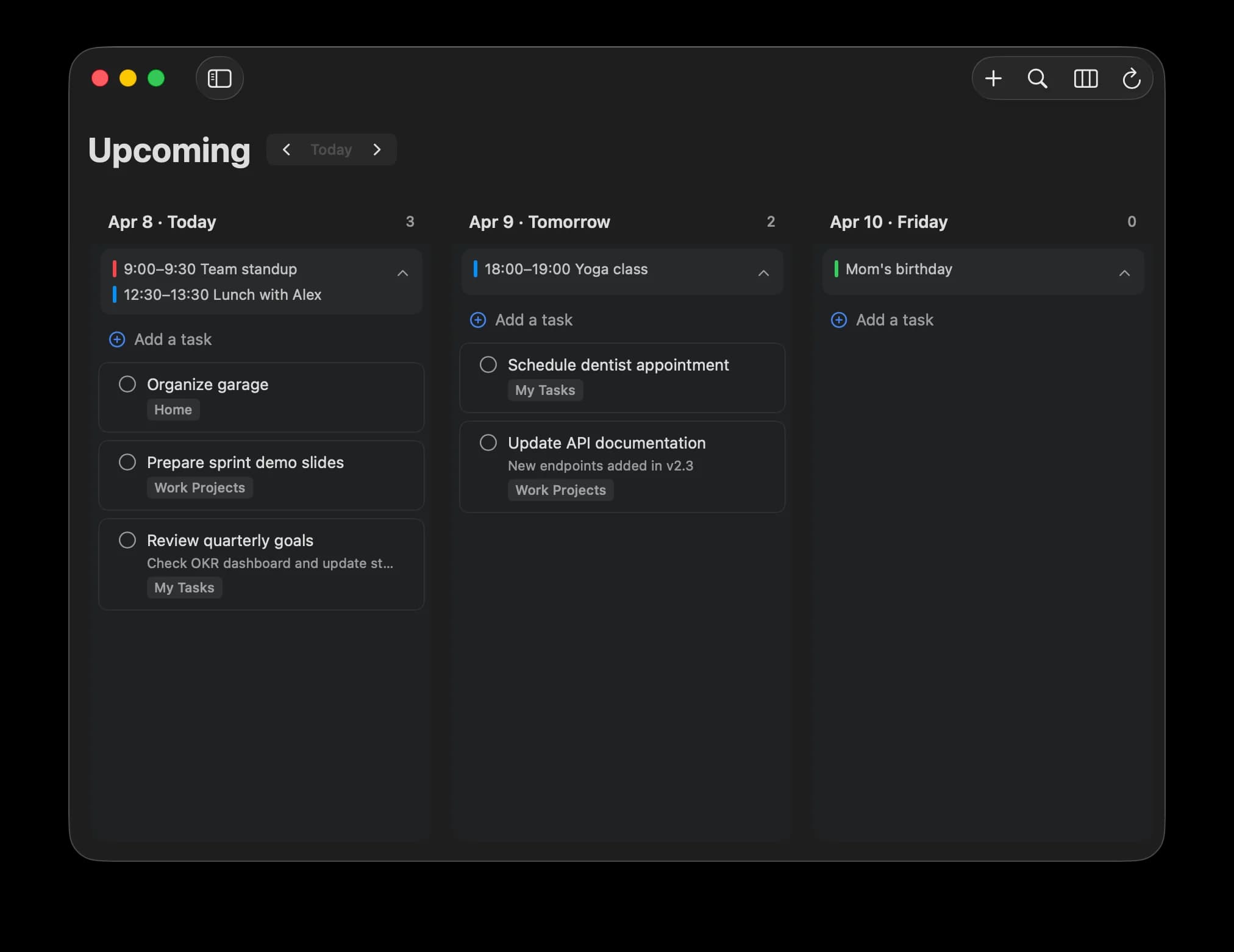
See everything due today in one glance. Stay focused on what matters right now.
Search everything
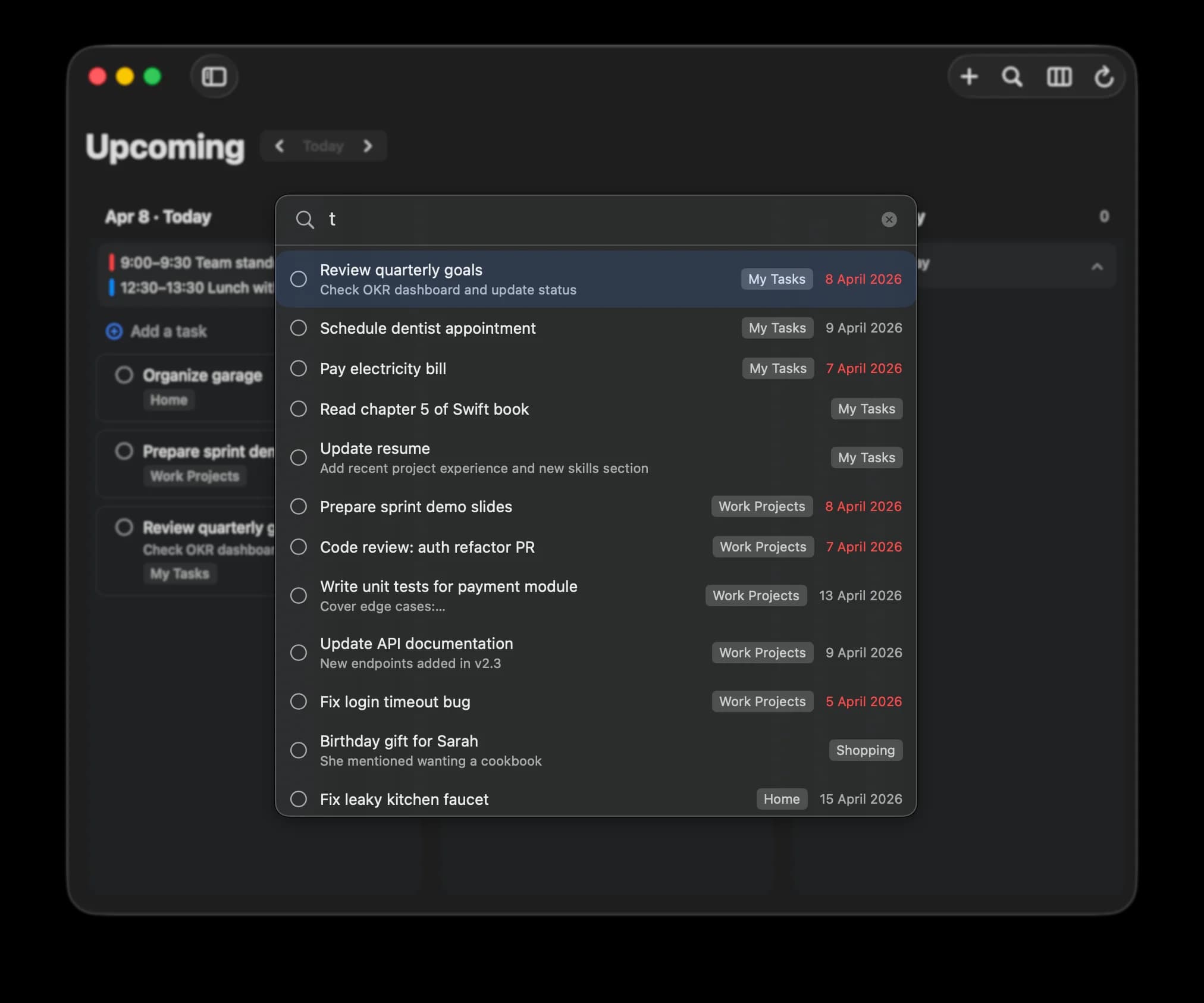
Instantly find any task across all your lists. Google Tasks doesn't let you search — KiteTasks does.
Better Subtasks
Nest subtasks with real hierarchy. Break big tasks into smaller steps without losing context.
Your layout, your way
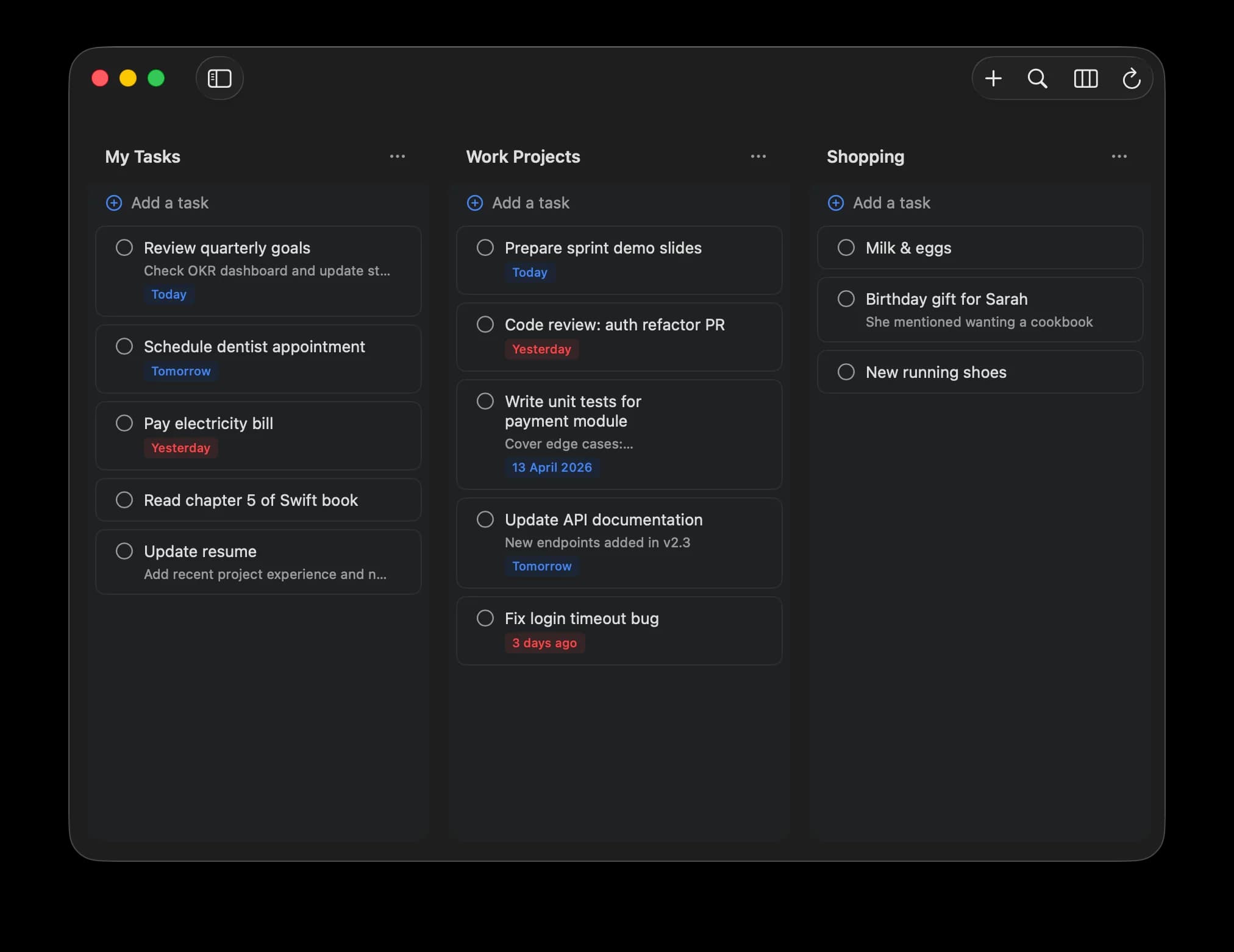
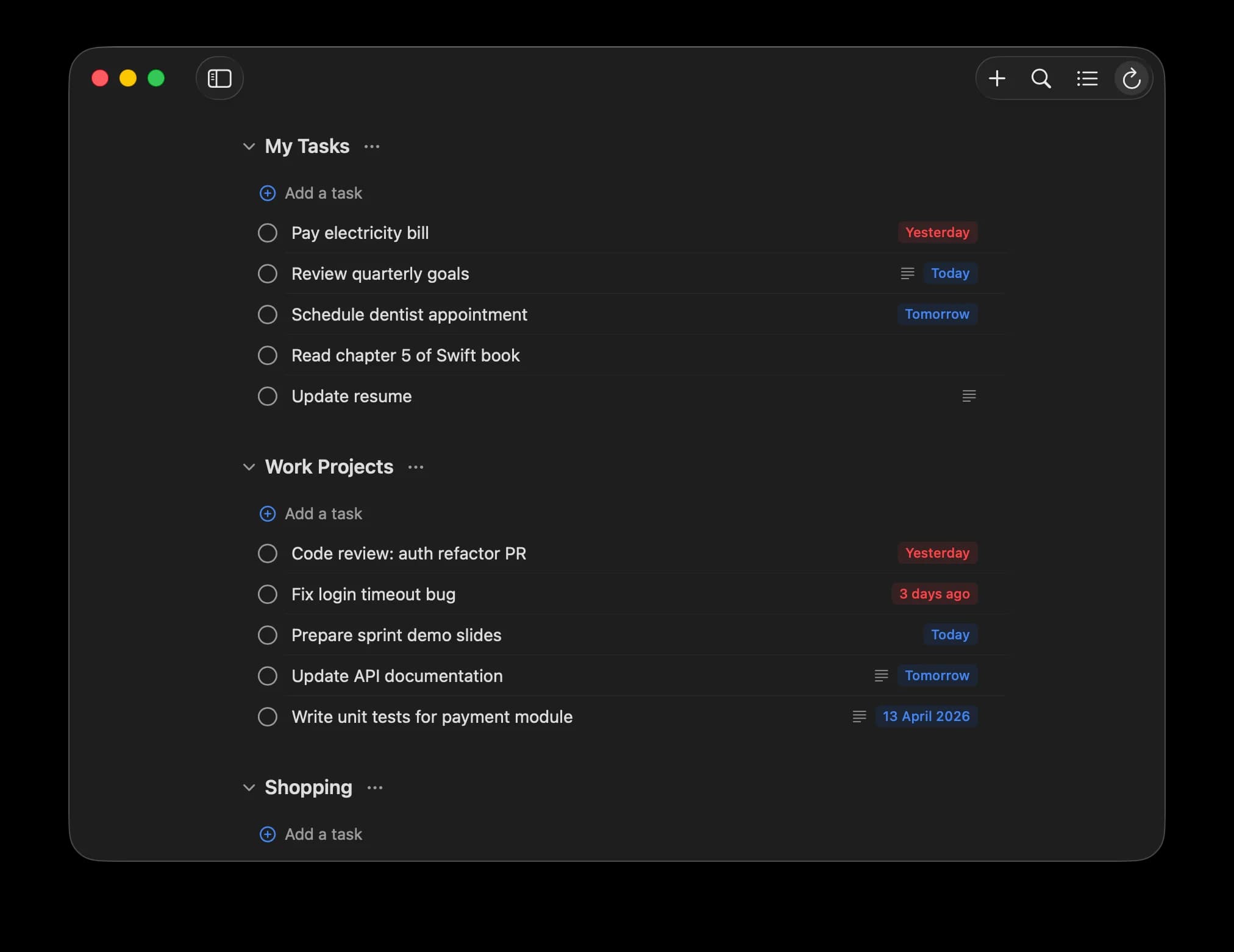
Switch between list, board, and compact views. Organize tasks the way your brain works.
Multi-Account
Work and personal Google accounts, side by side. Switch instantly without logging in and out.
Private by design
Your tasks stay on your Mac and in your Google account. No third-party servers. No tracking. No analytics.
Deep dive
Explore all features
See every feature in detail with screenshots and examples.
KiteTasks vs Google Tasks
Frequently Asked Questions
Google doesn't offer an official Google Tasks desktop app. KiteTasks fills that gap — it's a native macOS app that syncs directly with your Google Tasks account, giving you a full desktop experience with features like search, a Today view, and keyboard shortcuts.
Download KiteTasks from the Mac App Store. Sign in with your Google account, and all your tasks sync automatically. No browser tab needed — KiteTasks runs as a standalone Mac app.
No. KiteTasks is a one-time purchase. Pay once, use it forever. All future updates are included at no extra cost.
Yes. KiteTasks connects directly to Google's servers using OAuth 2.0 — the same secure method used by Google's own apps. Your tasks are never stored on third-party servers, and KiteTasks includes no tracking or analytics.
Yes. You can add multiple Google accounts and switch between them instantly. Great for keeping work and personal tasks separate.
Yes! Unlike Google Tasks, KiteTasks includes full-text search across all your task lists. Find any task in seconds.